

DAT DELO
Orange Blue Grad Stole Design Editable Template (Includes Supply List)
Orange Blue Grad Stole Design Editable Template (Includes Supply List)
Couldn't load pickup availability
Create a professional, personalized graduation stole with this editable Canva template, designed for 70-inch sublimation stoles. Perfect for crafters, parents, and graduation vendors who want a polished result without design experience.
🧡WHAT’S INCLUDED
✔ (2) 5in x 42in memorial stole templates (Left + Right side)
✔ Editable Canva template link (PDF)
✔ BONUS: Full supply list with direct links for sublimation blanks, ink, paper & equipment
✔ Print-ready layout sized for 70-inch stoles
✔ Resize for other stole sizes if needed
✔ Beginners-friendly instructions
✨ WHY YOU’LL LOVE IT
• No design experience needed, simply drag, drop & personalize
• Professional layout that prints beautifully
• Perfect for graduation events & keepsake gifts
• Can be customized for names, quotes & more
• Option to add done-for-you customization for just $5
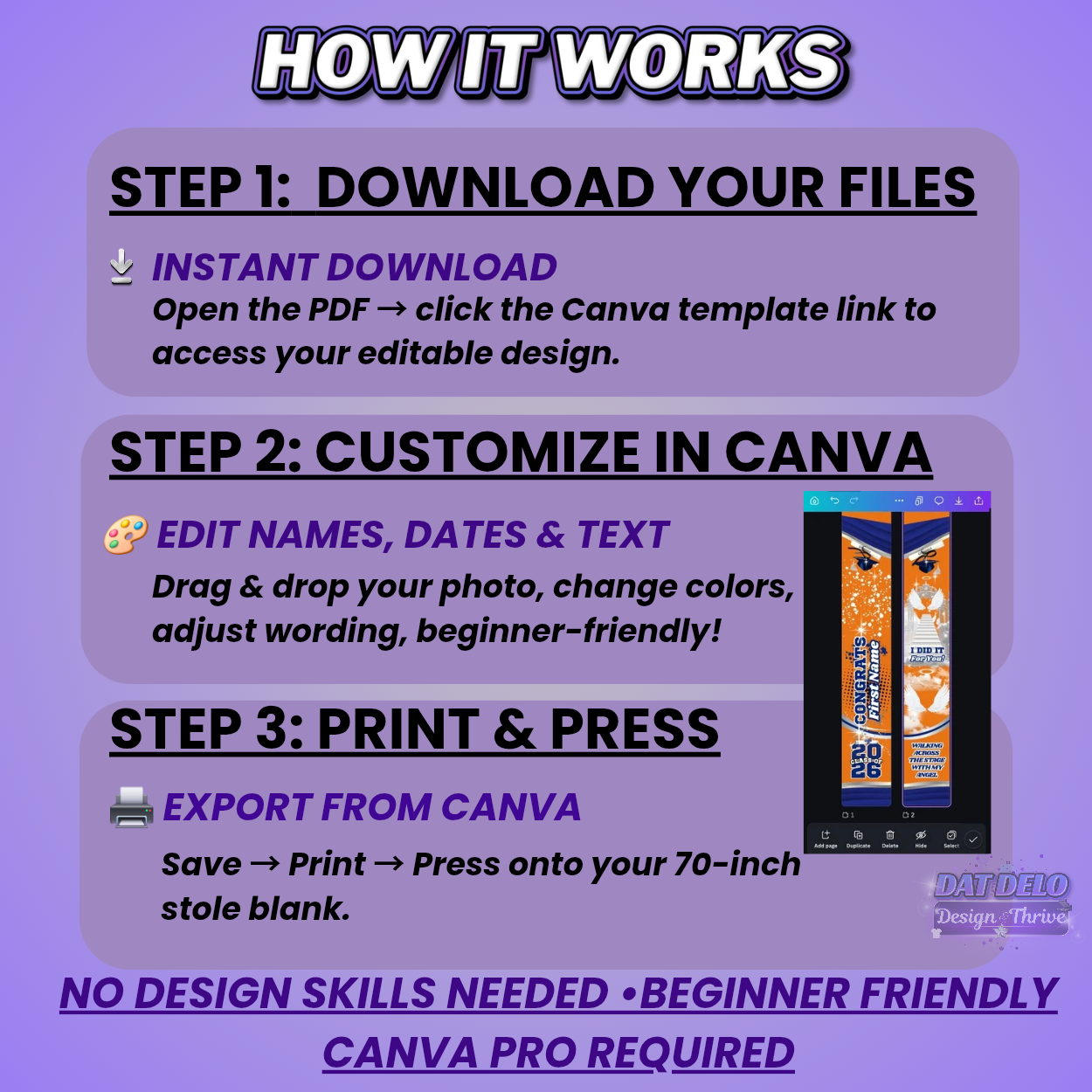
🛠️ HOW IT WORKS
1. Purchase & download your PDF
2. Click your Canva link to start editing
3. Add names, dates, quotes & photos
4. Save as high-quality PDF or PNG
5. Print & press onto your stole for a meaningful remembrance gift
.......
📌 TIPS & BEST PRACTICES
• Keep important design elements away from edges
• Save your final file at 300 DPI for best print quality
• Use premium sublimation blanks for the most vibrant results
⭐ PRINTING INSTRUCTIONS
I provide two printing methods so every crafter can get perfect results based on their printer setup:
---
FOR 13×19 PRINTERS (MOST COMMON)
If your sublimation printer only prints up to 13×19, use this method:
1. Export your design as a PNG
2. Open in Microsoft Word, Google Docs, Canva, or your preferred editor
3. Crop the left and right sides separately
4. Print each piece on 13×19 sublimation paper
5. Press your stole in two sections (left + right)
This method works perfectly for standard home sublimation setups.
---
FOR WIDE-FORMAT / 1-PIECE PRINTERS
If your printer can print long-format pieces:
1. Export as PDF Print (300 DPI)
2. Print the full 5×42 stole template on one sheet
3. Press directly — no cropping required
This gives the cleanest, most seamless finish.
---
⭐ RECOMMENDATIONS FOR BEST RESULTS
• Always export at 300 DPI
• Use high-quality sublimation paper & ink
• Pre-press the stole to remove moisture/wrinkles
• Double-check your print preview for correct sizing
• Press at recommended settings for your specific press
---
🔥 NEED HELP?
I offer quick support, message me anytime.
I also provide a $5 customization service if you want me to complete the design for you.
❓ FAQ
Can I resell this digitally?
No — digital resell, sharing, or live selling the file is not permitted. Finished physical items you press are allowed.
Will this work in free Canva?
This listing requires Canva Pro due to premium elements.
Need help editing?
Message me anytime, I offer fast support & optional $5 customization service!
.............
Want to learn how to create and sell digital products?
If you’re interested in turning your skills into digital income, I share free resources, education, and step-by-step guidance on my website.
➡️Visit datdelo.com to grab my free digital product resource.
......